

Connecting the AI Assistant
To make your store truly your own and unlike the rest, you will need an AI assistant — a jack of all trades: a developer, an analyst, and a regular content manager all in one. This page is only about connecting it: what to download, what to install, and how to link the AI assistant to your store. To learn how to work with it, see the section working with the AI assistant.
How the integration works
Melbis Shop communicates with artificial intelligence via the MCP protocol. This means you are not tied to a single provider and are free to choose any AI assistant that supports this protocol.
The widest-open door is to register at https://openrouter.ai/ and install Cherry Studio: this gives you the full range of models available today and lets you work with them via API.
Below we will walk through the installation and connection process specifically for Claude Code.
Step 1. Install Claude Code
First, download the application from the website: https://claude.com/product/claude-code. Click the "Download for Windows" button and follow the installer's prompts.
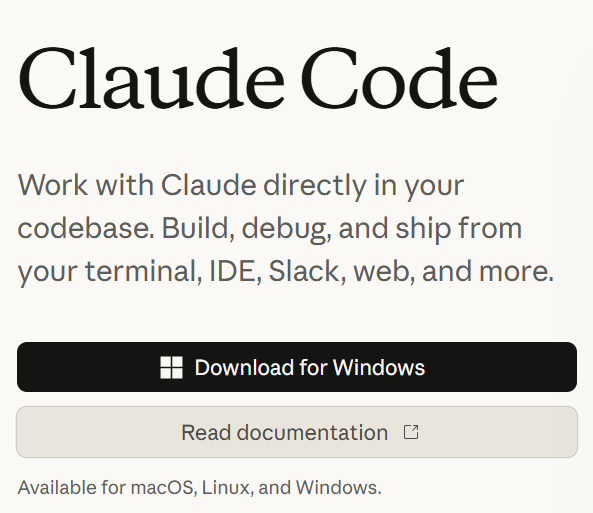
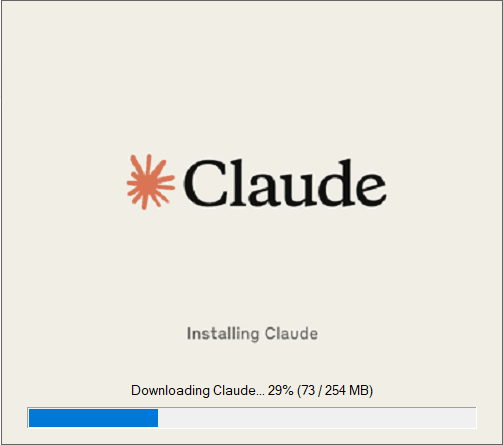
The installer will download everything it needs on its own — this takes a couple of minutes.
Step 2. Install Git
Next, you will need the Git package — it tracks file versions. Most likely, you will never see it working with your own eyes, but Claude Code requires it.
You can download it here: https://git-scm.com/install/windows. There are several download options on the page — you need the standard installer, the "Git for Windows/x64 Setup" link.
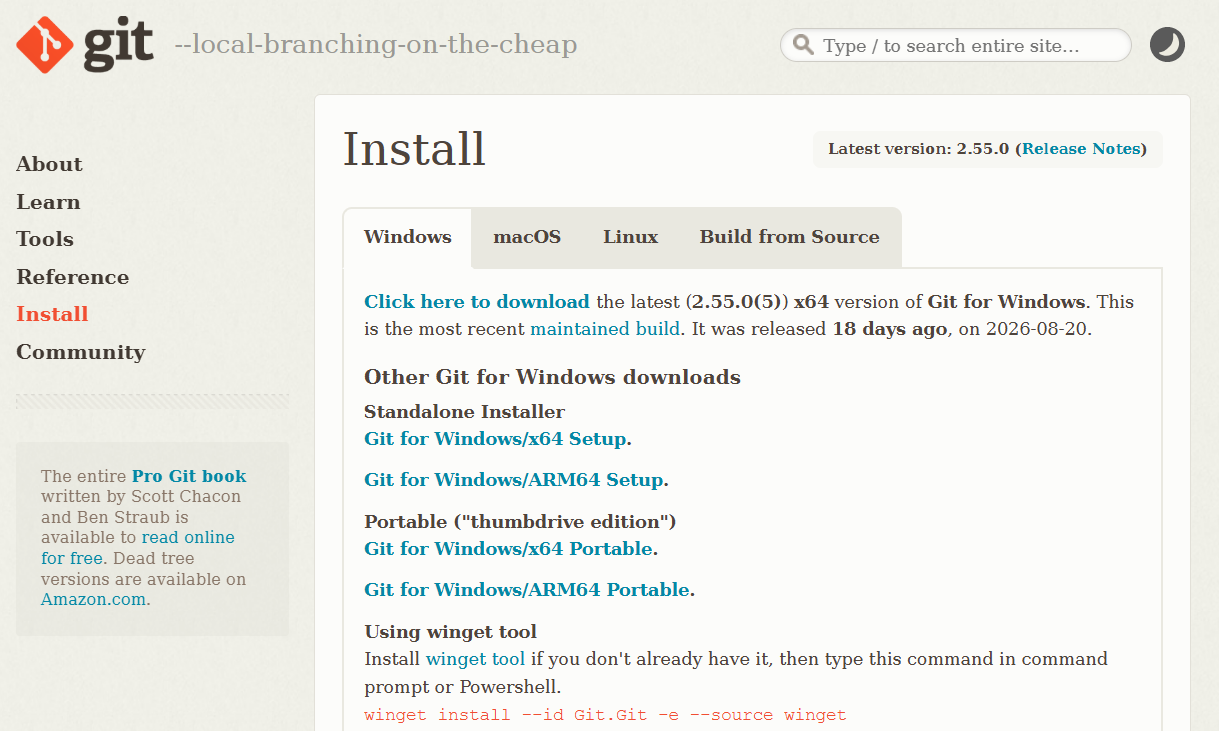
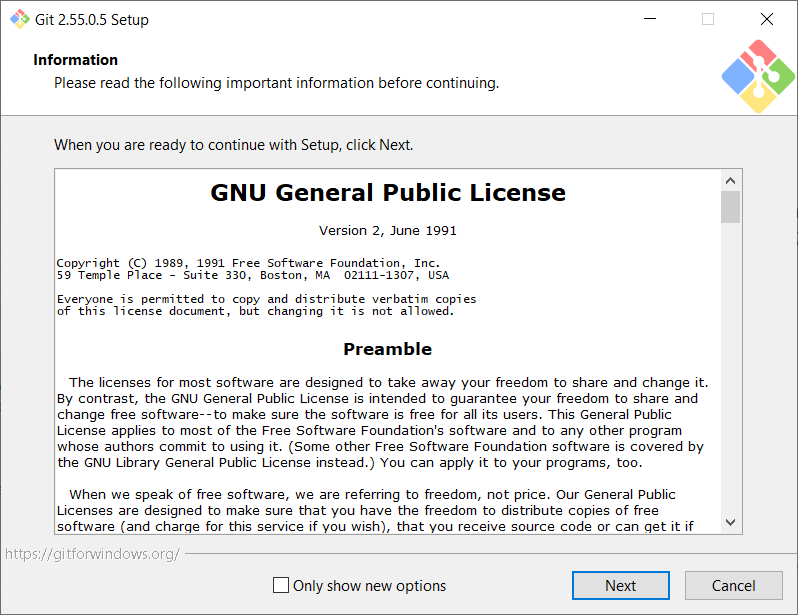
The Git installer will ask many different questions — do not worry and do not read too deeply into them: just click "Next" and continue, the default values are fine.
Step 3. Install Python
Another required package is the Python programming language. The AI assistant uses it to write and run small scripts for its work: parsing a price list, recalculating an export, processing a batch of images. You will not write anything in Python yourself, but without it the AI assistant is helpless.
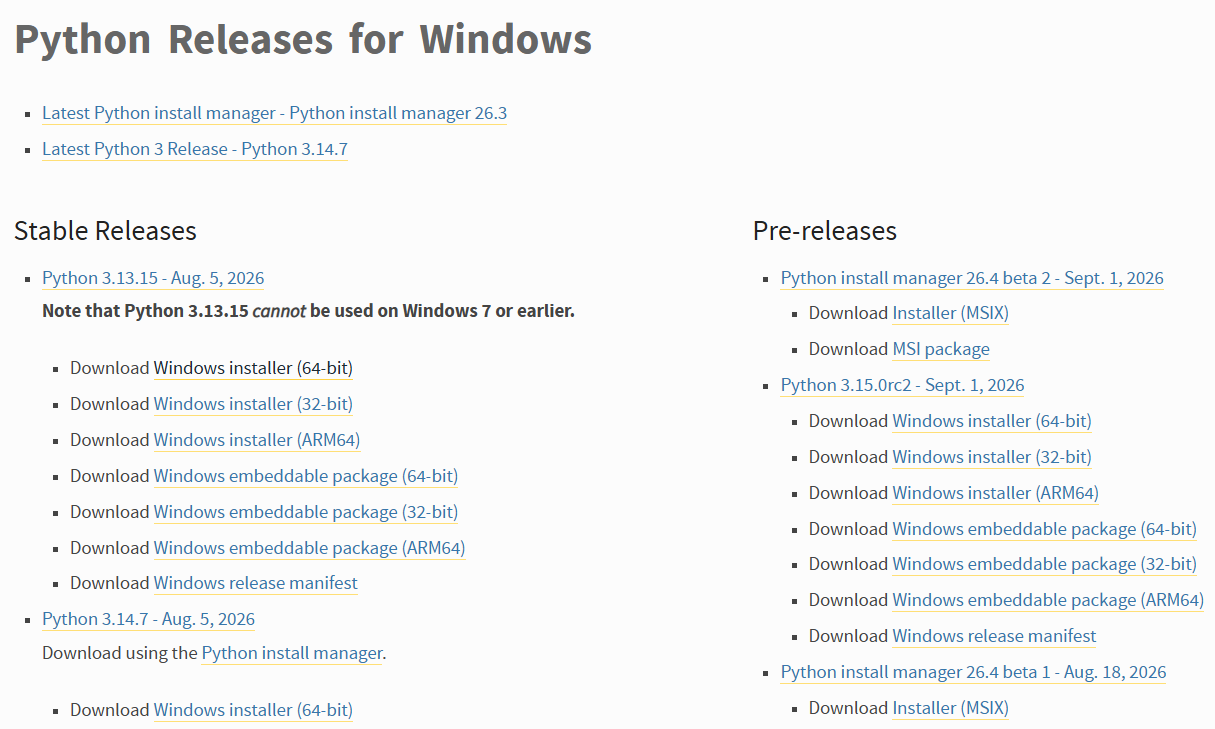
You can download it here: https://www.python.org/downloads/windows/. There are many options on the page, but you need only one: in the left column, "Stable Releases", take the topmost, latest version and click the "Windows installer (64-bit)" link under it.
Run the downloaded file. On the installer's first screen, at the very bottom, be sure to check "Add python.exe to PATH" — without it, the AI assistant may not find Python. Then click "Install Now".
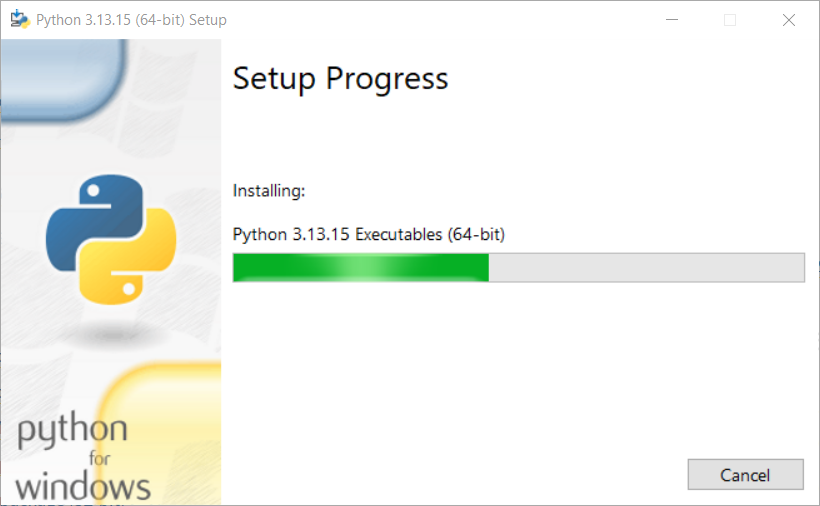
After that, the installer will handle the rest. When you see "Setup was successful", click "Close".
Step 4. Register with Claude
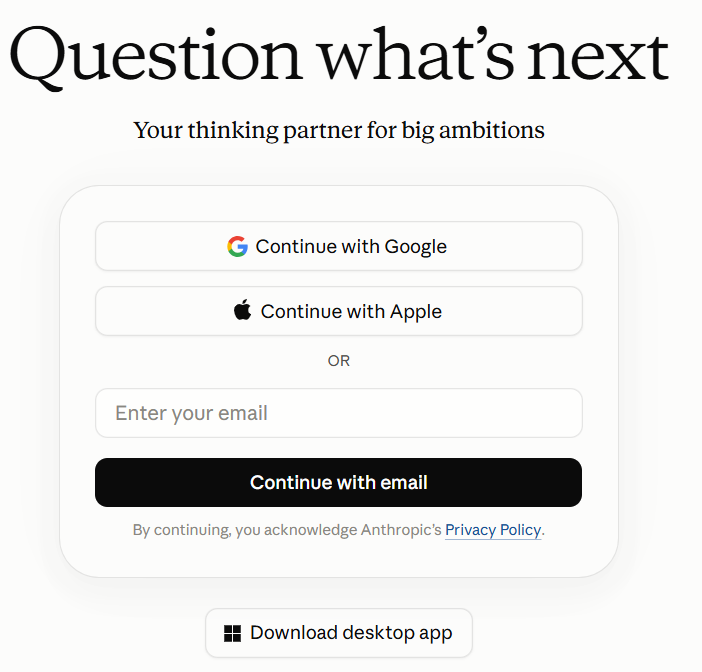
Now you need an account. You can create one directly from the installed Claude Code or on the website https://claude.ai/login. The easiest and most reliable way is to sign in with Google or Apple, just as you already did when buying a server on DigitalOcean and registering a domain on Cloudflare.
Step 5. Subscription
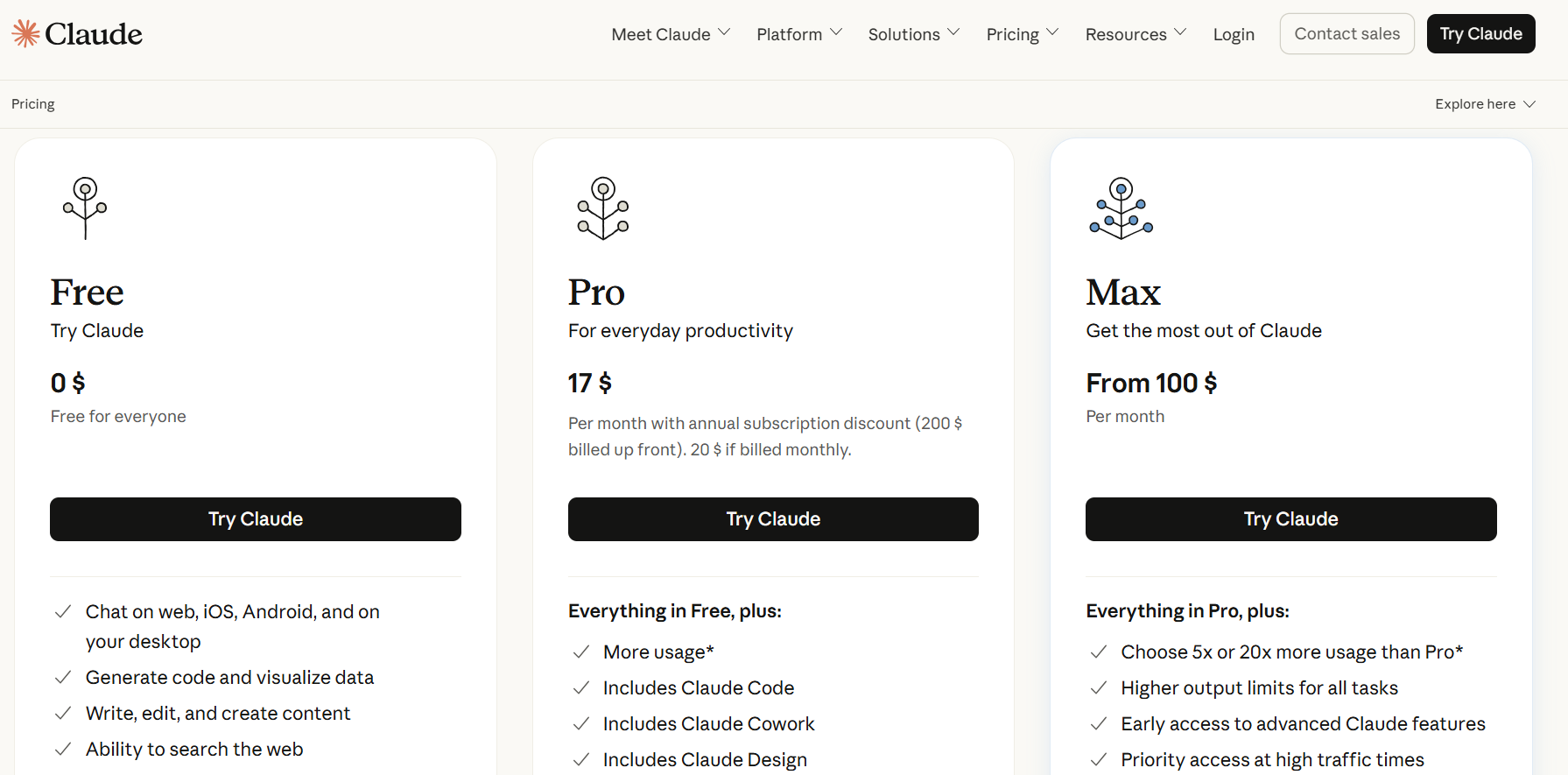
Here you will have to pay: today Claude Code works only with a paid subscription. The simplest plan will be enough — Pro: $20 per month when billed monthly, or $17 per month if you pay for a full year upfront.
Step 6. On the Melbis Shop side
And here you do not need to do anything. The MCP server is included in the Melbis Shop distribution, it is already installed on your computer along with the program — there is nothing extra to install.
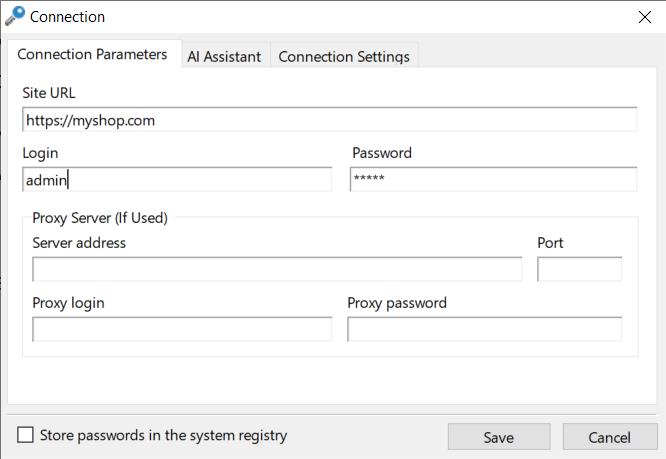
All that is required from you is to launch the Melbis Shop program, open the desired store, and as usual enter your login and password.
If you like, open the "AI Assistant" tab and click "Check Connection" — the program will check the connection to the MCP server.
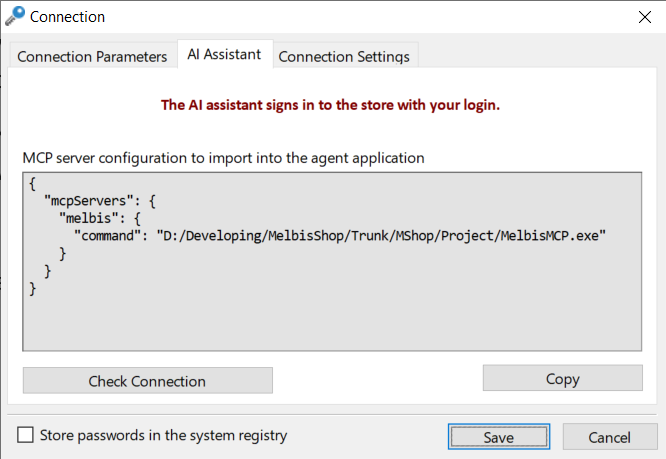
The same tab also contains a ready-made MCP server configuration. Claude Code does not need it: it connects to the store on its own through the project's working folder. But other programs — for example, Cherry Studio — will require you to enter it manually, and that is where the "Copy" button comes in handy: it copies the configuration to the clipboard.
Step 7. Set up Claude Code
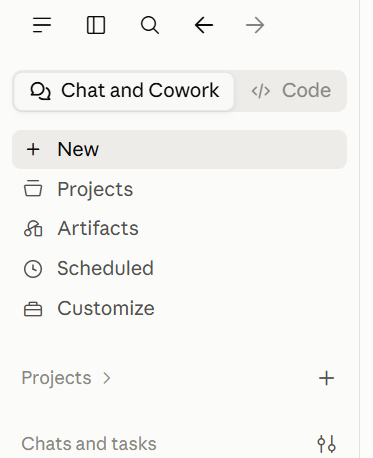
Now go back to Claude Code. In the upper-left corner, switch to the "Code" tab — this is the developer mode. Before and after:
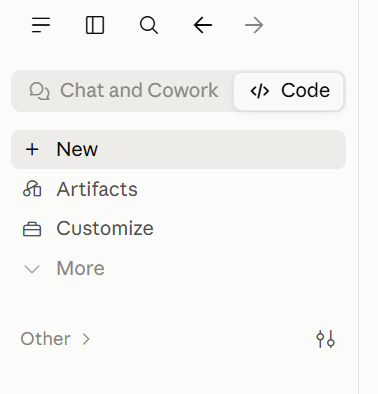
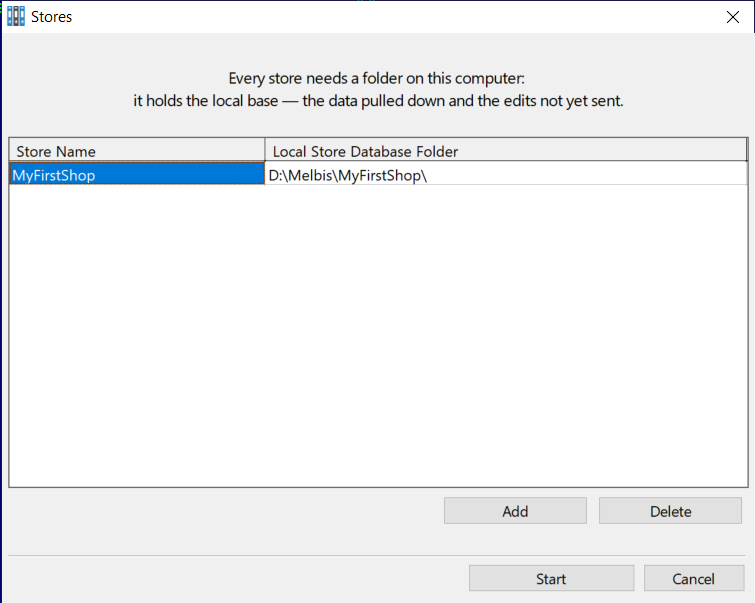
Now you need to specify the project you will be working with. Above the prompt line, select the "Local" mode and the folder that contains your store's local database.
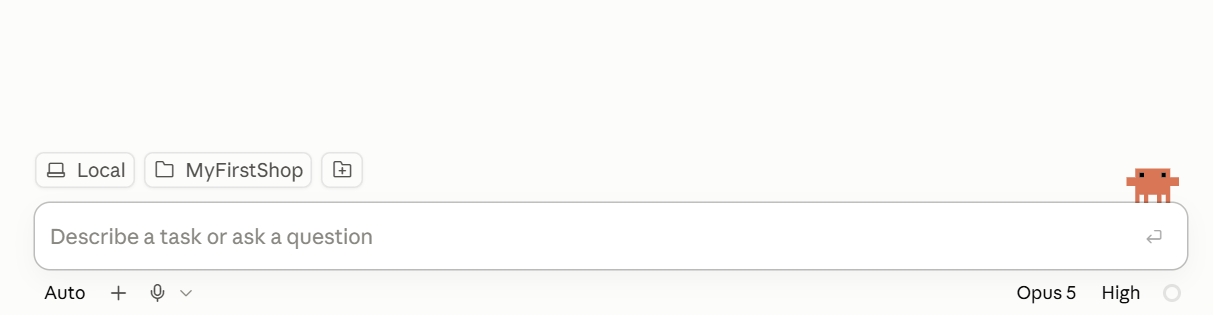
Forgot where that folder is? Check in the Melbis Shop program: "System" > "Stores".
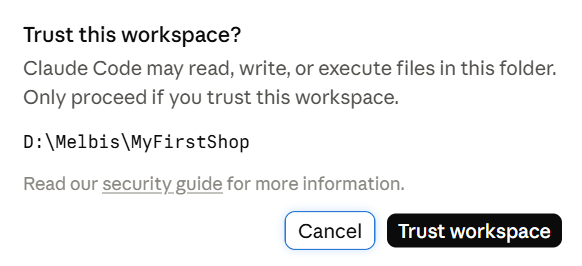
After selecting the folder, Claude Code will ask whether you trust its contents.
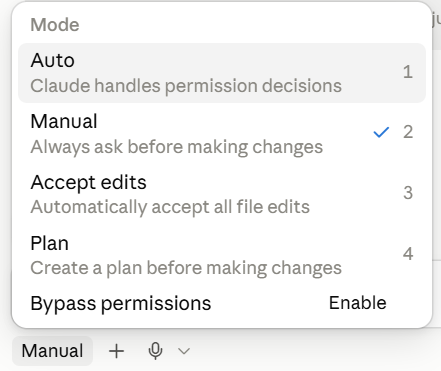
Below the prompt line is the AI assistant's operating mode — usually "Manual". We recommend switching it to "Auto" right away: otherwise it will ask for permission for every file read and file creation in the working folder.
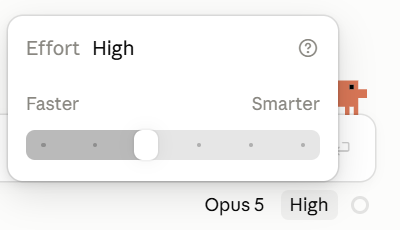
And on the right below the prompt is the choice of model and the level of effort the AI assistant will apply to the task. Set a strong model right away — for example, Opus 5 — and a medium effort level, such as High.
Connection complete
The AI assistant is installed, linked to the store, and knows where the project is located. To learn how to work with it — where to start, how to assign tasks, and how to open its tools to your employees — see the section working with the AI assistant.